From Notepad to Netbeans
}.TXT | |
I got into the website bug around 1995 when the company that I was working for started putting PCs on everyone's desk. This was the beginning of the IT Revolution for me. Web content was poor (by today's standards) but nevertheless it was new, exciting and anonymous. People were starting to put information on the web. While searching for "something" I stumbled across a website that said that you could build a website using Notepad. Notepad! What — free with Windows — Notepad? Yep, it was true. (It still is true.) All web development software packages are just glorified versions of Notepad. And they were right. And I proved it. I wrote a website using Notepad, back in 1995. | 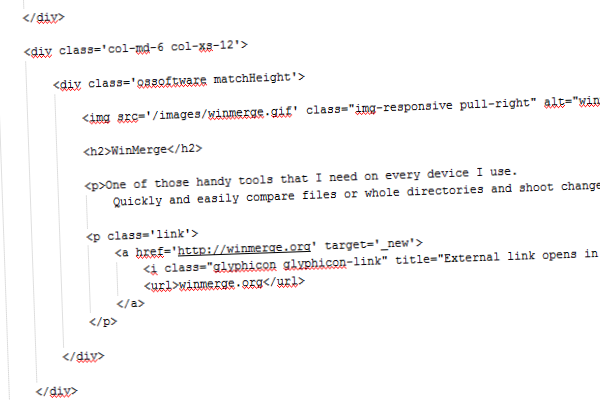 |
.HTML | |
What I learnt doing this was HTML — Hyper-Text Markup Language. It was hard and it was cruel. There was no help if you made a mistake, no colour coding, no code hints, no WYSIWYG view. That is the way to learn and I am glad that I learnt it. Some professional web developers can't write (or even read) HTML. Firstly: HTML ain't hard — although good design and nice appearance are another matter. Secondly: HTML isn't expensive to learn either. There are so many resources out there — the hardest part is... well, there isn't one. Thirdly: HTML is addictive. I find myself looking at posters or pictures and imagining me building it with tables, roll-overs, sliced images, etc. Geeky — I know! I have been doing this now for over 10 years. I am officially a Geek. | 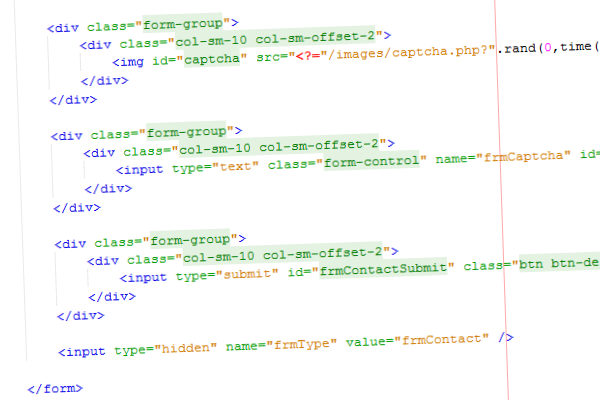 |
.PHP | |
Dynamic websites? That sounded too complicated. I was introduced to PHP by a fellow developer — not really knowing what to expect — and was hooked from day 1. I started building dynamic websites and learning on the job. When we finally stopped for a rest and looked at what we had achieved, it was awesome. PHP is easy! (Did I say that about HTML?) And the support available from fellow developers is huge. After the initial learning curve of what is available, the majority of learning is logic. Using the tools provided, you can achieve anything. | 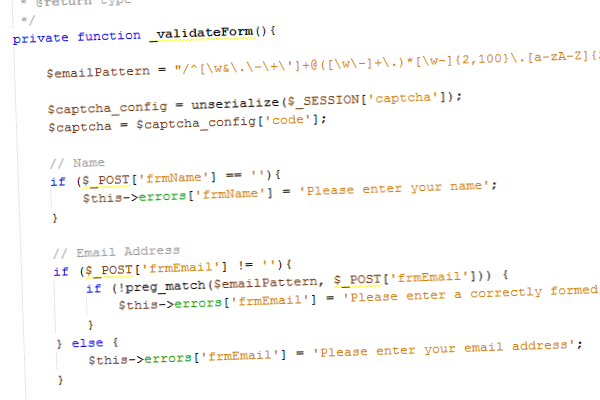 |
.CSS | |
Not just styles, but layouts. CSS makes web-design (or is web-design all about CSS?). Anyway, CSS is awesome and I love it. (I also hate it at times.) Web design these days needs to be optimal — validation, positioning, cross-browser compatible, printer friendly versions, etc. CSS is commonly used for styling, but layouts — that's a different feed for the animals. CSS (and now CSS2) can be used for so much, we are all really playing catch-up. It makes so much sense to have all repetitive stuff like font-size and background-color in a separate file. This leaves less code on your web pages: a higher percentage of relevant content, faster loading pages, better optimisation, higher page rankings, etc. It's all good, but the web is evolving, so keep up or get left behind. | 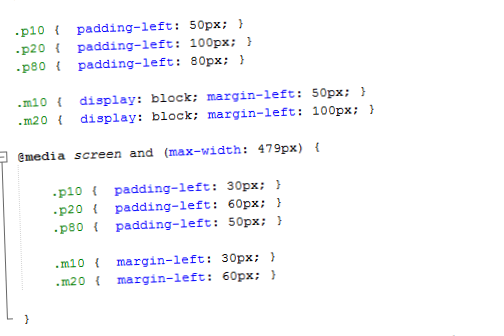 |
.JS | |
I'm not talking pop-up messages and form validation here. I'm talking about JavaScript's use in practical web applications. Web 2.0, to geeks. WYSIWYG editors such as TinyMCE (and its less-easy-to-implement neighbour FCK Editor) have made editing webpages through the web possible and fun. Libraries like jQuery and Prototype, producing things like Thickbox and Lightbox, have made galleries and pop-up information more interesting. And then AJAX. Ahhh — this could be a section all by itself. AJAX: Asynchronous JavaScript and XML — querying the server and database through the XMLHttpRequest object, without having to reload the current page. Now that is cool, and it's made the web much more interesting. | 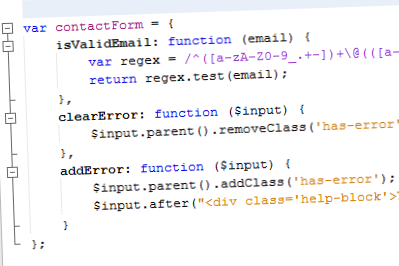 |
Page updated: 2026-09-27